The new markets
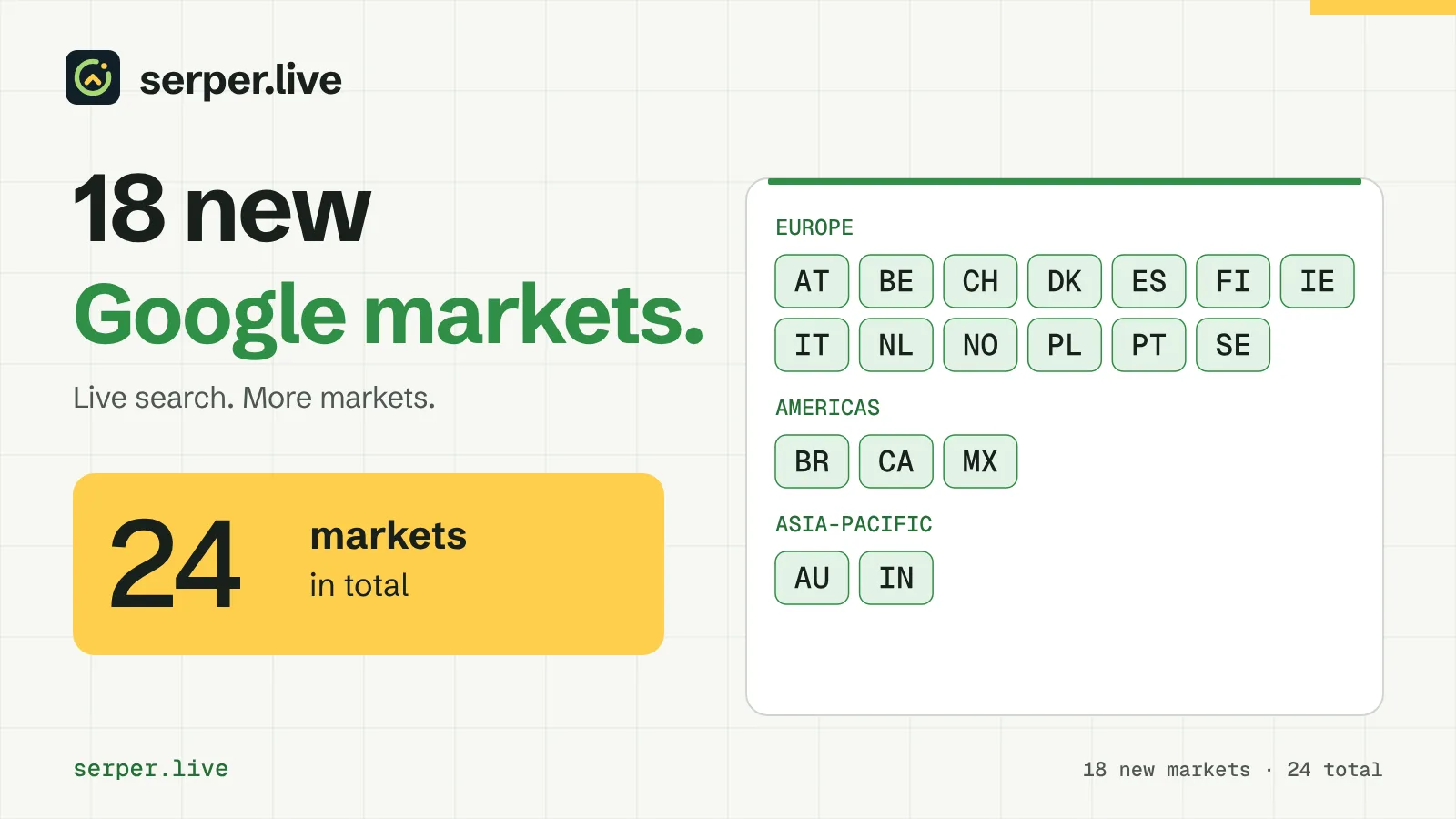
Each market has a two-letter code for the country parameter and a default Google interface language, which the API sends as hl when a request has no language.
| Region | Market | Code | Default language |
|---|---|---|---|
| Europe | Austria | AT |
de |
| Europe | Belgium | BE |
nl |
| Europe | Denmark | DK |
da |
| Europe | Finland | FI |
fi |
| Europe | Ireland | IE |
en |
| Europe | Italy | IT |
it |
| Europe | Netherlands | NL |
nl |
| Europe | Norway | NO |
nb |
| Europe | Poland | PL |
pl |
| Europe | Portugal | PT |
pt |
| Europe | Spain | ES |
es |
| Europe | Sweden | SE |
sv |
| Europe | Switzerland | CH |
de |
| Americas | Brazil | BR |
pt |
| Americas | Canada | CA |
en |
| Americas | Mexico | MX |
es |
| Asia-Pacific | Australia | AU |
en |
| Asia-Pacific | India | IN |
en |
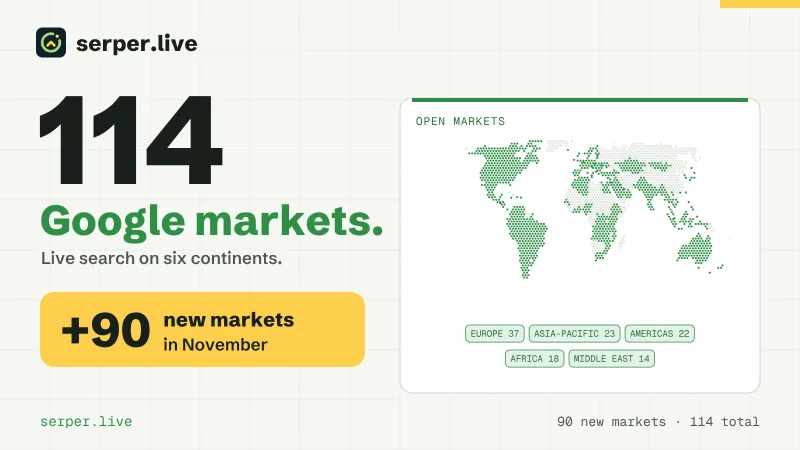
They join Germany, France, the United Kingdom, Türkiye, Ukraine and the United States. GET /v1/countries returns every open market as JSON without a token, and the pricing page lists the price of each.
One request for every market
Nothing in your code changes. Send POST /v1/search with the new country code, as you do for the markets you already track. Desktop and mobile are open in every market at the same price, and limit returns up to 100 results in one call.
The example checks one keyword in four new markets, each in its local language on mobile, and prints the positions of a domain. In Switzerland it replaces the default German interface with language fr:
curl -s -X POST https://api.serper.live/v1/search \
  -H "Authorization: Bearer sl_live_YOUR_TOKEN" \
  -H "Content-Type: application/json" \
  -d '{"query":"logiciel de gestion de projet","country":"CH","language":"fr","device":"mobile"}' \
| jq '[.organic[] | select(.domain == "example.com") | .position]'const checks = [
{ query: 'software de gestión de proyectos', country: 'ES' },
{ query: 'software de gestión de proyectos', country: 'MX' },
{ query: 'software de gestão de projetos', country: 'BR' },
{ query: 'logiciel de gestion de projet', country: 'CH', language: 'fr' },
];
for (const check of checks) {
const response = await fetch('https://api.serper.live/v1/search', {
method: 'POST',
headers: {
Authorization: 'Bearer sl_live_YOUR_TOKEN',
'Content-Type': 'application/json',
},
body: JSON.stringify({ ...check, device: 'mobile' }),
signal: AbortSignal.timeout(100000),
});
const { organic } = await response.json();
const positions = organic.filter(row => row.domain === 'example.com').map(row => row.position);
console.log(check.country, check.query, positions);
}import requests
CHECKS = [
{"query": "software de gestión de proyectos", "country": "ES"},
{"query": "software de gestión de proyectos", "country": "MX"},
{"query": "software de gestão de projetos", "country": "BR"},
{"query": "logiciel de gestion de projet", "country": "CH", "language": "fr"},
]
for check in CHECKS:
response = requests.post(
"https://api.serper.live/v1/search",
headers={"Authorization": "Bearer sl_live_YOUR_TOKEN"},
json={**check, "device": "mobile"},
timeout=100,
)
organic = response.json()["organic"]
positions = [row["position"] for row in organic if row["domain"] == "example.com"]
print(check["country"], check["query"], positions)<?php
$checks = [
['query' => 'software de gestión de proyectos', 'country' => 'ES'],
['query' => 'software de gestión de proyectos', 'country' => 'MX'],
['query' => 'software de gestão de projetos', 'country' => 'BR'],
['query' => 'logiciel de gestion de projet', 'country' => 'CH', 'language' => 'fr'],
];
foreach ($checks as $check) {
$context = stream_context_create(['http' => [
'method' => 'POST',
'header' => "Authorization: Bearer sl_live_YOUR_TOKEN\r\nContent-Type: application/json",
'content' => json_encode([...$check, 'device' => 'mobile']),
'timeout' => 100,
]]);
$result = json_decode(file_get_contents('https://api.serper.live/v1/search', false, $context), true);
$positions = array_column(array_filter($result['organic'], fn(array $row) => $row['domain'] === 'example.com'), 'position');
echo $check['country'], ' ', $check['query'], ' ', json_encode($positions), PHP_EOL;
}Each check of the top 10 costs $0.005, the same on every market. The rank tracking guide covers scheduling, storage and matching domains.
Markets with more than one search language
Several new markets search in more than one language. Belgium searches in Dutch and French, Switzerland in German, French and Italian, Canada in English and French, Finland in Finnish and Swedish, and India in English and Hindi.
The language parameter sets the Google interface language, for example fr for Belgium or Canada, it for Switzerland or hi for India. It changes the results: in our measurements in Ukraine, switching the interface language kept only half of the top 10 for the same query.
If your audience in a market uses two languages, track them as separate keywords and store language with every position, so that later checks compare like with like.
What it costs
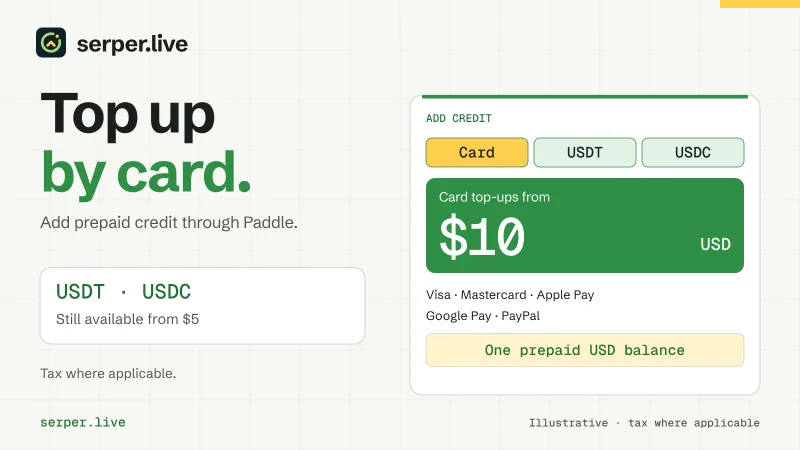
A page of up to 10 results costs $0.005 on every market, which is $5.00 per 1,000 searches; the pricing page lists every market. A check of the top 30 costs three pages. There is no subscription: top up by card from $10 or in USDT or USDC from $5, and the credit never expires.
From 100,000 searches a month on one market, we agree individual terms on request through the contact page.
In AI agents and MCP
The Serper.live MCP server reads the markets from the API, so list_countries already returns the new ones and no update is needed. Ask your agent, for example: "Where does example.com rank in Google in Brazil on mobile for software de gestão de projetos? Check the top 30."
Setup for Claude Code, Claude Desktop, Cursor, VS Code and Codex is in the documentation.
Try a new market
The playground has example searches in the local language for every new market and runs three live searches per IP address per day without an account. When you are ready, create an account and send the first request from the quick start.
Need a country that is not open yet? Tell us which one.