What is changing
According to Google's documentation, the Custom Search JSON API is closed to new customers, and existing customers have until January 1, 2027 to transition to an alternative solution. The same page describes the API as retrieving web and image results from a Programmable Search Engine, the engine you configure and identify with cx.
Dates and terms are Google's and can change; confirm them on Google's page before you set a deadline.
What Serper.live returns instead
Serper.live is a live Google SERP API: each request runs a real Google search for the country and device you choose and returns the organic results shown at that moment, up to 100 per request (10 by default), as JSON.
It is not a search engine of its own and not a site search: no engine to configure, no index of your pages. A request usually takes 2–3 seconds because it loads Google live, and it is billed per request from a prepaid balance.
If your Custom Search integration showed you what Google ranks for a query, this is the closer fit. If it powered search inside your own site or across a fixed list of domains, you need a site search product instead: Google's documentation points to Vertex AI Search for that case.
Parameter mapping
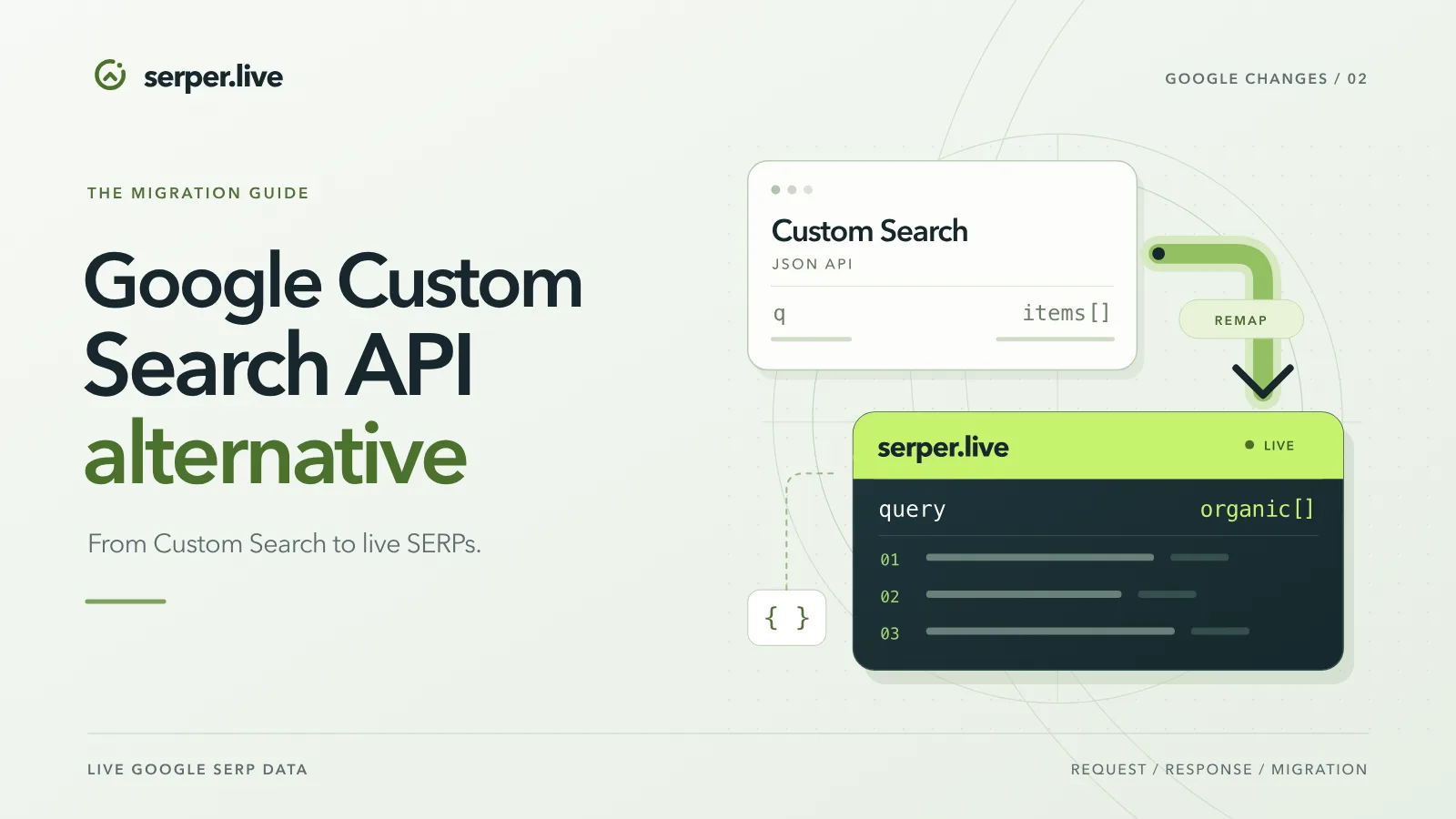
Custom Search JSON API on the left, Serper.live on the right:
q→query: the keyword, 2–120 characters.gl→country: two-letter code of an open market, fromGET /v1/countries(currently Germany, France, United Kingdom, Türkiye, Ukraine, and United States).hl→language: Google's interface language; optional, defaults to the language of the country.num→limit: organic results per request, 1–100 (10 by default; each started block of 10 costs one market price).start→ no equivalent: instead of paging, raiselimitand one call returns up to 100 organic results.cx→ not needed: there is no engine to configure, the request searches Google for the market.key→ anAuthorization: Bearerheader with yoursl_live_token.items[]→organic[]:linkbecomesurl,displayLinkroughly becomesdomain;titleandsnippetkeep their names, andsnippetcan benull.
Migration steps
The request below is the whole integration; the steps around it:
- Create an account and a token, add credit from $5 in USDT or USDC.
- Replace the GET to the Custom Search endpoint with
POST https://api.serper.live/v1/search, a JSON body and theAuthorizationheader. - Map the parameters as above; drop
cxandstart. - Read
organic[]instead ofitems[], renamelinktourl, and handle anullsnippet. - Raise the HTTP timeout to at least 100 seconds and queue the call instead of running it inside the user's request: a live search usually takes 2–3 seconds, the first one for a market after a pause longer.
- Send an
Idempotency-Key, so a repeated call is never charged twice. - Run both side by side for a few days, compare, then switch.
curl -X POST https://api.serper.live/v1/search \
  -H "Authorization: Bearer sl_live_YOUR_TOKEN" \
  -H "Content-Type: application/json" \
-d '{"query":"best coffee shops","country":"DE"}'const response = await fetch('https://api.serper.live/v1/search', {
method: 'POST',
headers: {
Authorization: 'Bearer sl_live_YOUR_TOKEN',
'Content-Type': 'application/json',
},
body: JSON.stringify({ query: 'best coffee shops', country: 'DE' }),
signal: AbortSignal.timeout(100000),
});
const result = await response.json();
console.log(result.organic);import requests
response = requests.post(
"https://api.serper.live/v1/search",
headers={"Authorization": "Bearer sl_live_YOUR_TOKEN"},
json={"query": "best coffee shops", "country": "DE"},
timeout=100,
)
print(response.json()["organic"])